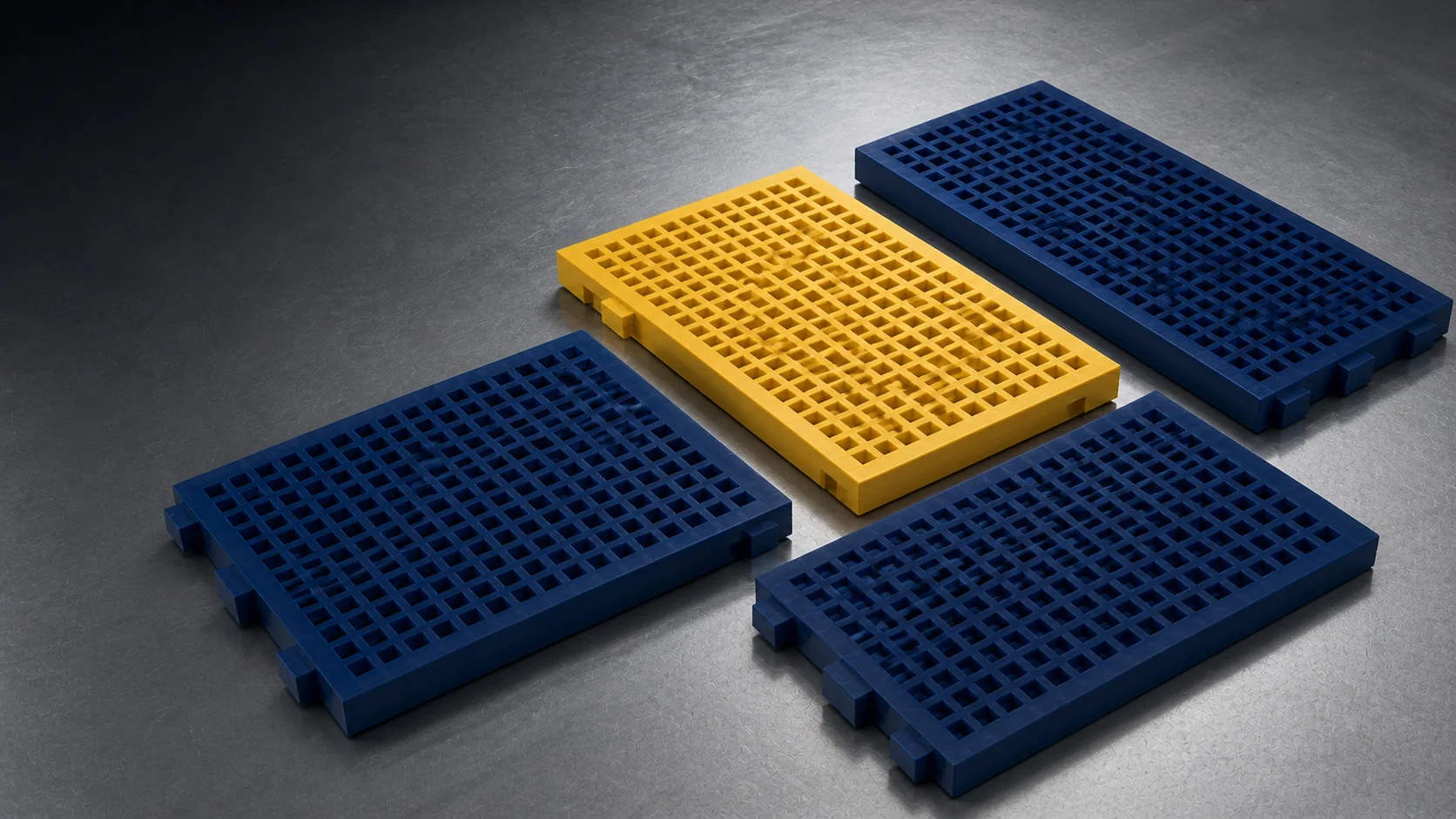
Two polyurethane panels can look similar in a photograph and still differ at the deck interface, edge profile, fastening arrangement, aperture or overall geometry. A useful replacement review therefore begins with a record of the installed system. If some details are unknown, send the photographs and dimensions available today; the guide helps identify the next questions.
This guide supports the Polyurethane Screening Media product family and its mining, quarry and aggregate screening application.
1. Identify the screen and deck context
Record the screen manufacturer and model if they are known, but do not stop there. Photograph the complete deck from a safe position, show how modules are arranged, and note whether the panel is part of a modular system, a tensioned arrangement or another support structure. Equipment references help orient the review; the physical interface remains the controlling evidence.
2. Measure the panel as a component
Measure overall length, width and thickness, then capture the edge and underside features that locate the panel. Use a dimensioned sketch even when a formal drawing is unavailable. Include the measuring reference in close photographs so that scale is unambiguous.
Core geometry record
- Overall panel length, width and thickness
- Module pitch or repeated layout where relevant
- Edge, rail, pin, clip or other locating geometry
- Underside support and contact surfaces
- Any asymmetric or direction-dependent features
3. Record the aperture, not only its nominal size
Capture opening size, shape, orientation and layout. Square, rectangular and slotted openings can behave differently in a screening circuit. Photograph both the feed side and underside, and note whether wear has changed the current opening. A worn panel should not be treated as the original design dimension without checking available drawings or an unworn area.
4. Show the fastening and deck interface
Compatibility depends on how the panel locates and locks into the existing deck. Close images should show the edge profile, fixing components, rails and contact points. If one panel can be removed safely, an underside photograph and a profile view often resolve questions that a top view cannot.
5. Describe the screening duty
The physical panel is only half of the requirement. State the material being screened, wet or dry operation, approximate feed context, the separation objective and the problem prompting replacement. Wear, pegging, blinding, impact or maintenance access may lead to different questions during product review.
6. Build a reliable evidence set
A practical evidence set combines one wide equipment photograph, several close panel and interface photographs, a dimensioned sketch, any available drawing or part reference, and the application description. A physical sample can support detailed comparison when written information is incomplete; agree the receiving and handling route before sending it.
7. Separate confirmed facts from open points
Mark which dimensions were measured, which came from a drawing, and which remain estimates. This allows a supplier to ask focused questions instead of treating a visually complete but uncertain brief as approved technical data.
Use the companion polyurethane screen panel RFQ checklist to combine this evidence with quantity, destination and timing.
Public technical references
- Metso, Screening Media Handbook — screening-media functions, applications and selection context.
- Polydeck, POLYDEX modular screen media — examples of modular panels, openings and fastening-system context.
- Multotec, Screen Panels — product-family and application variables used in industrial screening.
- FLS, Screening and Trommel Media — duty, wear and media-selection context.
The references support general screening-media context. Product compatibility and performance must be confirmed for the specific deck, panel and application.